
01
Build your form
Choose the fields and presentation that fit the page where visitors will find it.
Grow your audience
Create a signup form, publish it, and place it on your website with a small embed snippet.
Get started Take a closer look.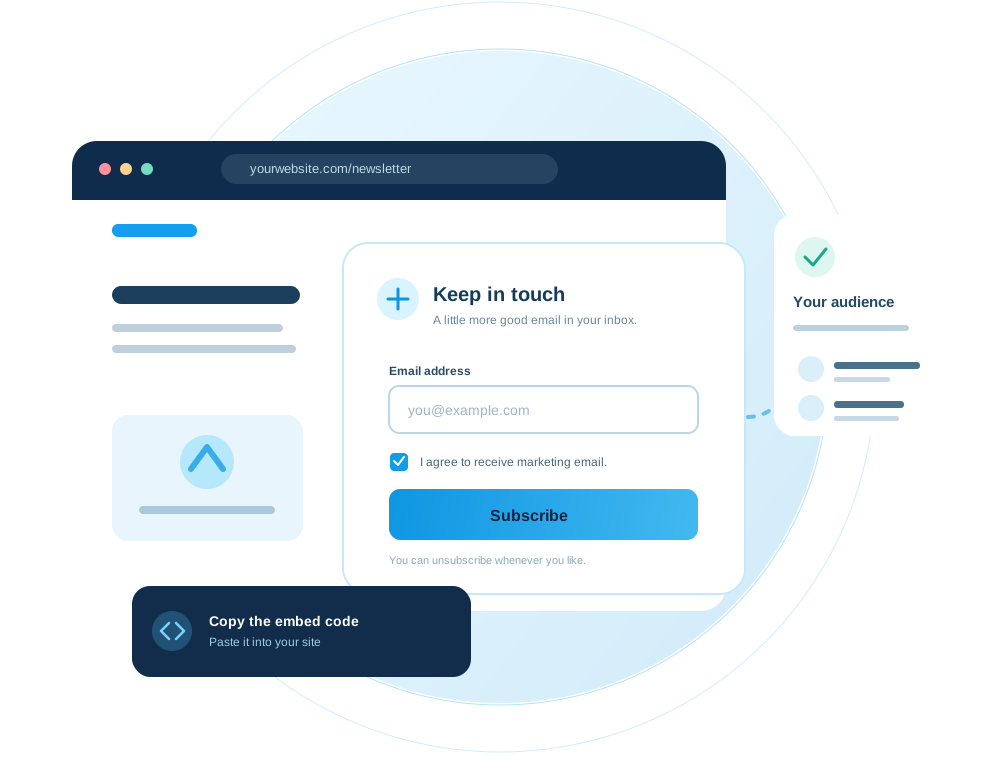
Inside the workspace
Choose your fields, make consent clear, and shape a signup form that belongs on your website.
What you can do
Give visitors a clear way to choose your emails. Build a signup form in the audience workspace, activate it, and copy the embed code to a page on your site. New subscribers appear in your contacts.
01
Choose the fields and presentation that fit the page where visitors will find it.
02
Copy the form's embed code and paste it into your website HTML.
03
Visitors must explicitly agree to receive marketing email before their signup is accepted.
04
Activate or deactivate the form from your workspace and review its submissions.
The workflow

Open Signup forms from the sidebar and configure the email field and consent wording.
Publish the form, then copy its embed snippet from the form detail page.
Add the snippet where you want the signup widget to appear and test one consented submission.
For developers
Use the published form configuration and public submission endpoint. The form API guide covers request bodies, consent, errors, and a browser example.
Keep exploring
Your next campaign starts here