01
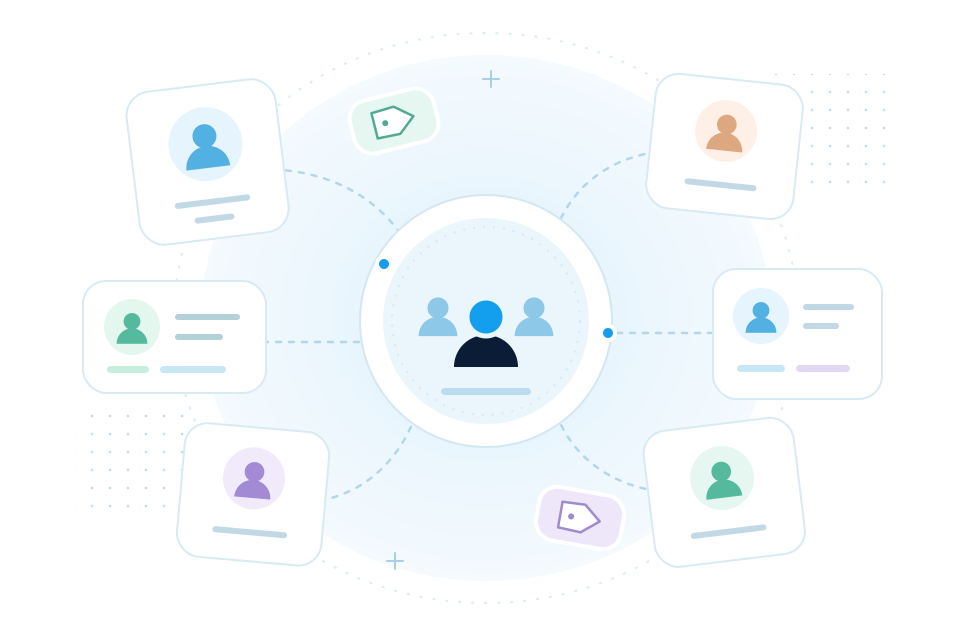
Start with a template
Use a reusable starting point, then make the structure and content your own.
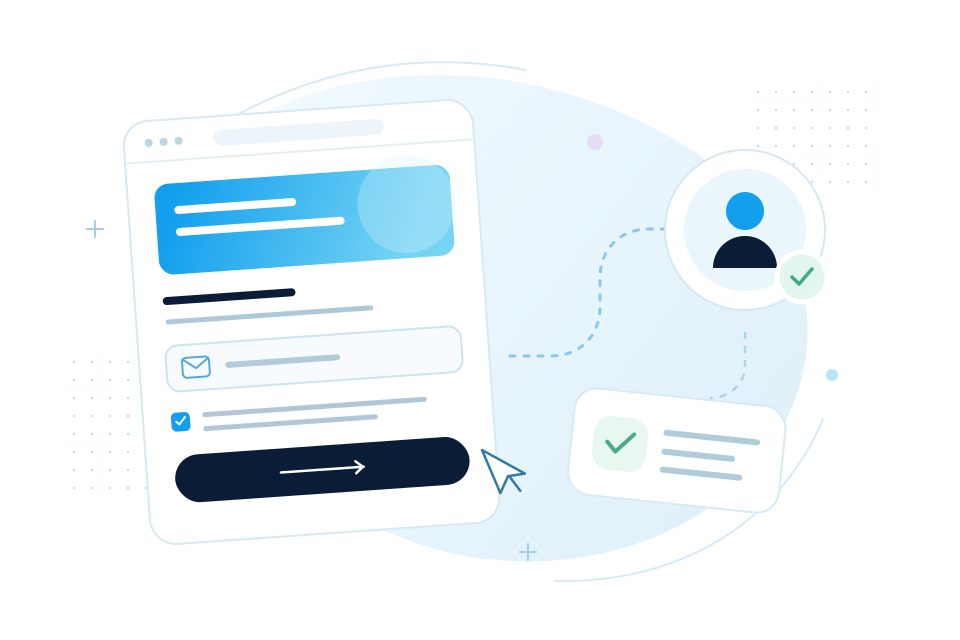
Build & create
Shape a message that looks like your brand, then preview it before it goes out.
Get started Take a closer look.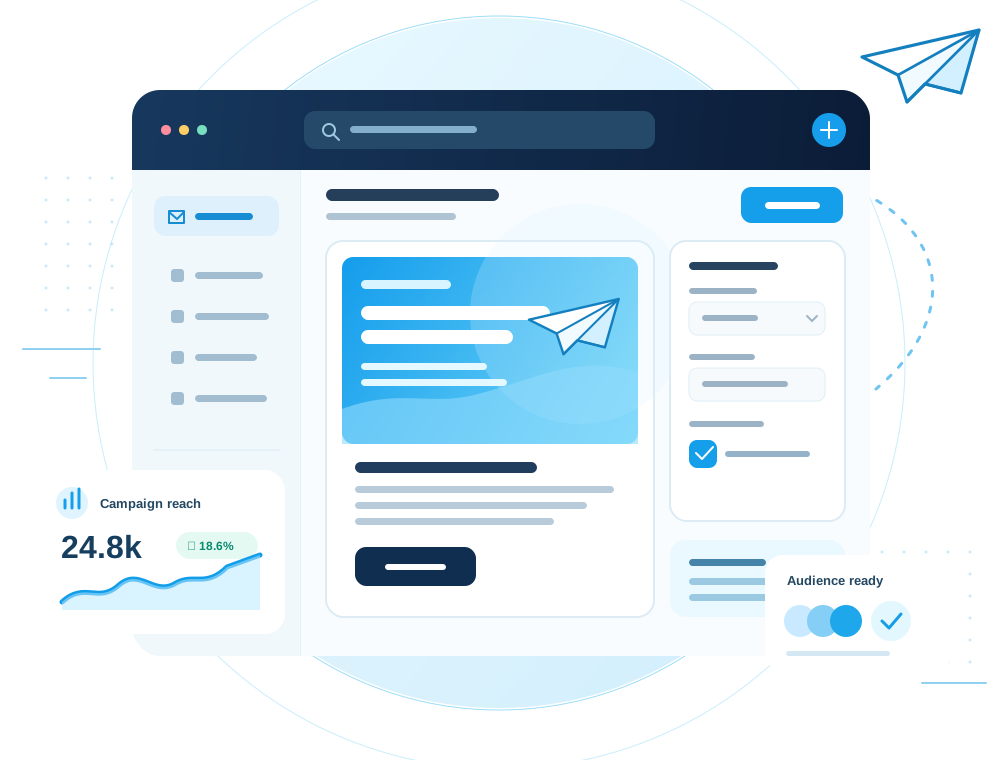
Inside the workspace
A closer look at the workspace where your message comes together, from the first draft to its final review.
What you can do
Move from a first draft to a ready-to-send campaign without jumping between disconnected tools. Templates, visual editing, and campaign settings live together.
01
Use a reusable starting point, then make the structure and content your own.
02
Arrange responsive email blocks and adjust the details without writing markup.
03
Review the email and its campaign settings before choosing recipients.
04
Save work in progress and return when the message is ready.
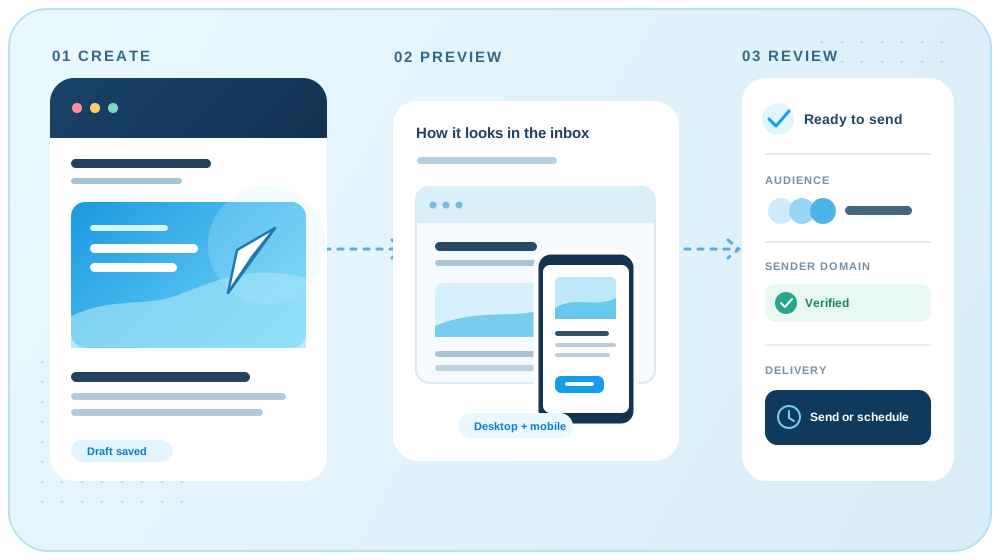
Before you send
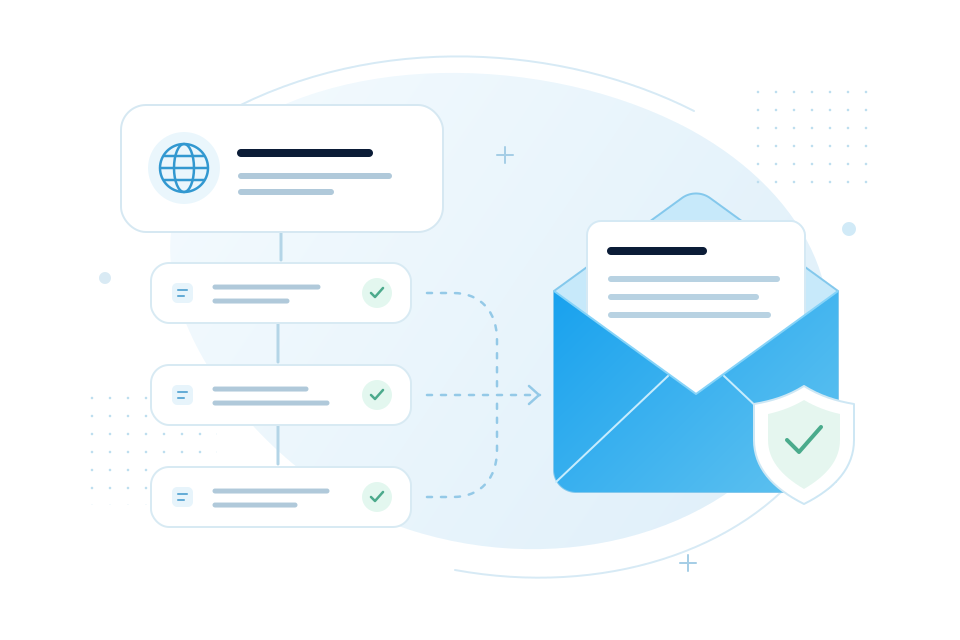
Preview your email, choose its audience, and confirm the sender domain before you send or schedule a regular campaign.
The workflow
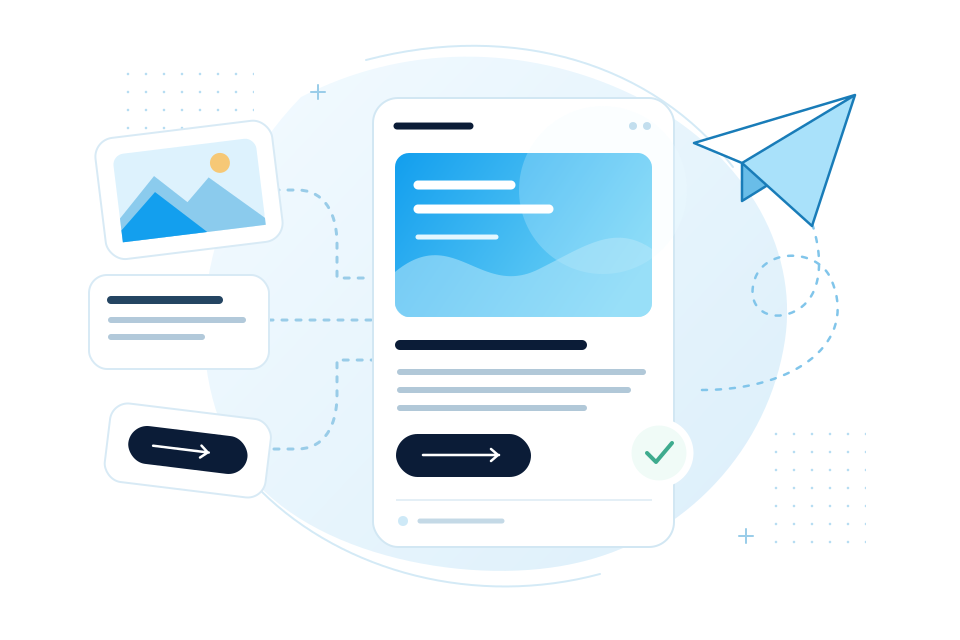
Open a template or begin a new regular campaign.
Edit content, subject, sender, and preview text in one flow.
Choose an audience and verified domain, then schedule or send.
Keep exploring
Your next campaign starts here