
01
One contact workspace
Add or import contacts and keep their core details together.
People & relevance
Organize your contacts and choose the audience that fits your message.
Get started Take a closer look.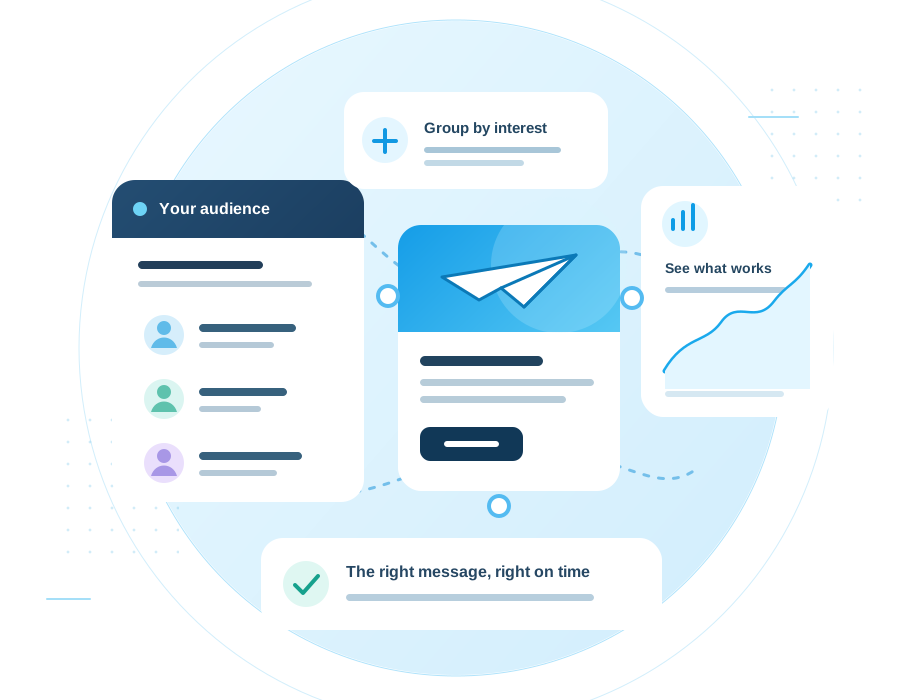
Inside the workspace
See contact details and subscription preferences together, with tools to organize the people you want to reach.
What you can do
A useful audience workspace helps you see more than a list of email addresses. Import contacts, use tags, and build segments to make each campaign more relevant.
01
Add or import contacts and keep their core details together.
02
Mark shared interests or sources so contacts stay easy to find.
03
Use saved conditions to select recipients for a regular campaign.
04
Unsubscribed contacts are excluded from future campaign sends.
The workflow

Add contacts directly or import an existing list.
Apply tags and create segments around the details that matter.
Select the audience for a campaign and review it before sending.
Keep exploring

Shape a message that looks like your brand, then preview it before it goes out.
Explore
Create a signup form, publish it, and place it on your website with a small embed snippet.
Explore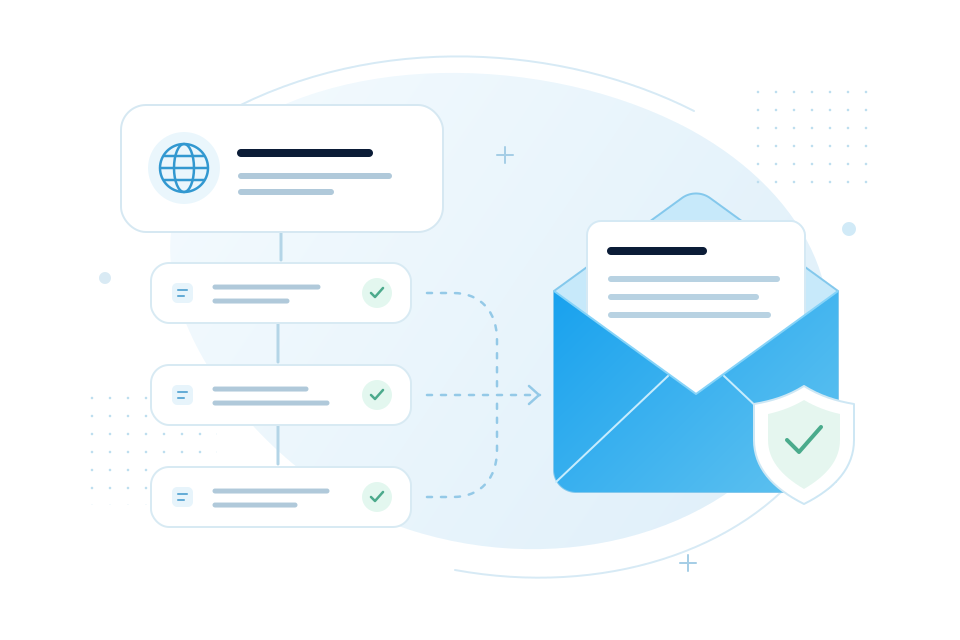
Connect your domain, check the required records, and send with a clearer setup flow.
ExploreYour next campaign starts here