01
Campaign overview
Review core send and engagement counts after a campaign goes out.
Measure & learn
Understand send outcomes and engagement without losing sight of the people behind the numbers.
Get started Take a closer look.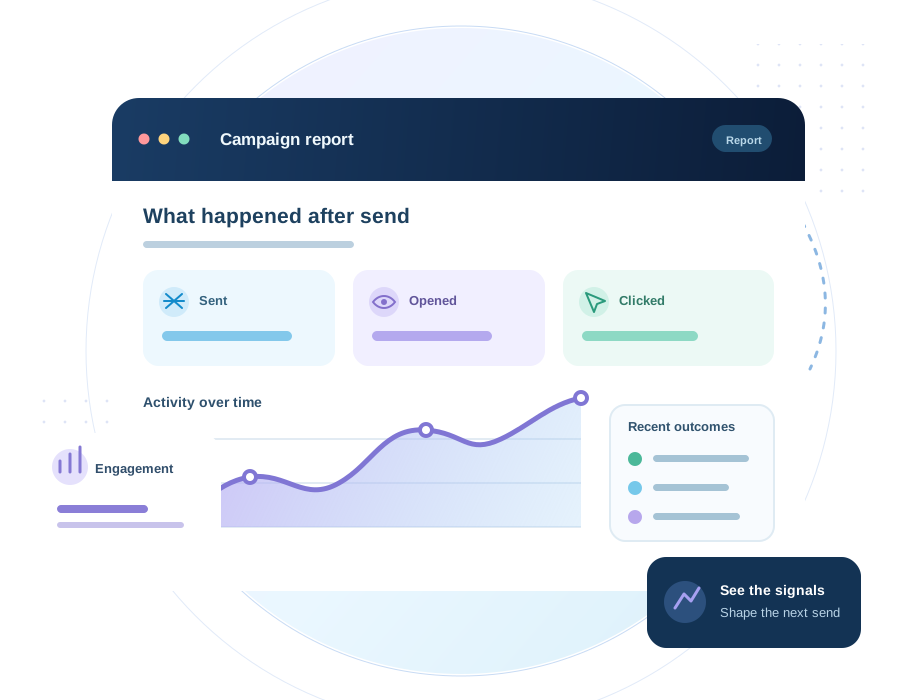
Inside the workspace
Bring recorded campaign activity into focus, then use what you learn to plan the next message.
What you can do
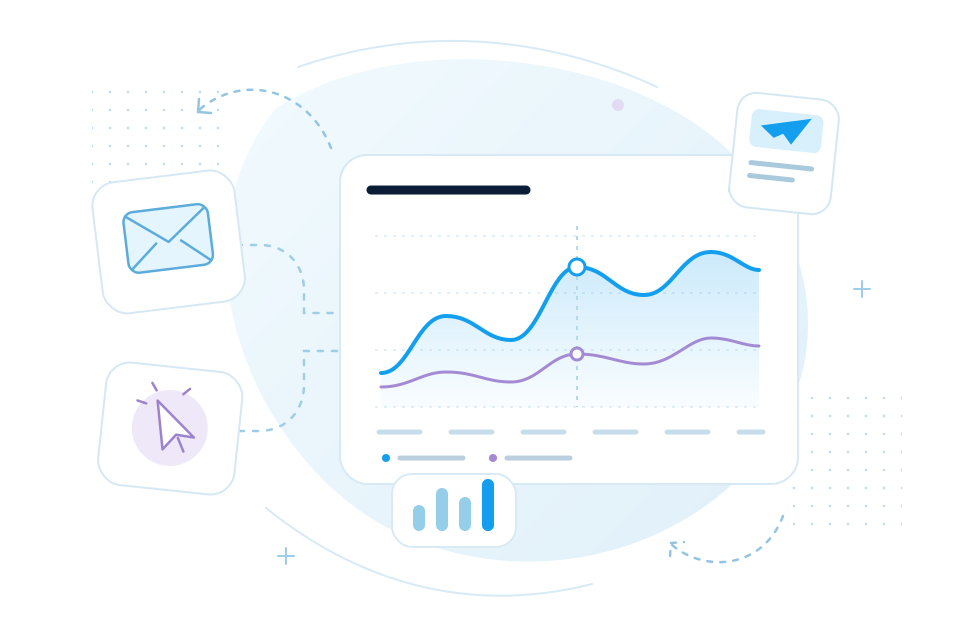
Campaign reporting brings delivery activity and engagement into one view. See recorded sends, opens, clicks, and recipient outcomes, then use those signals to improve the next message.
01
Review core send and engagement counts after a campaign goes out.
02
Understand which messages are opened and which tracked links are followed.
03
Inspect send status when a delivery needs attention.
04
Use the report to decide what to change in your next campaign.
The workflow
Start with a completed regular campaign and selected audience.
See recorded send, open, and click events in the workspace.
Use what you learned to improve the next subject, content, or audience.
Keep exploring
Your next campaign starts here