01
Guided domain setup
See the DNS records needed for ownership and email authentication.
Your brand in the inbox
Connect your domain, check the required records, and send with a clearer setup flow.
Get started Take a closer look.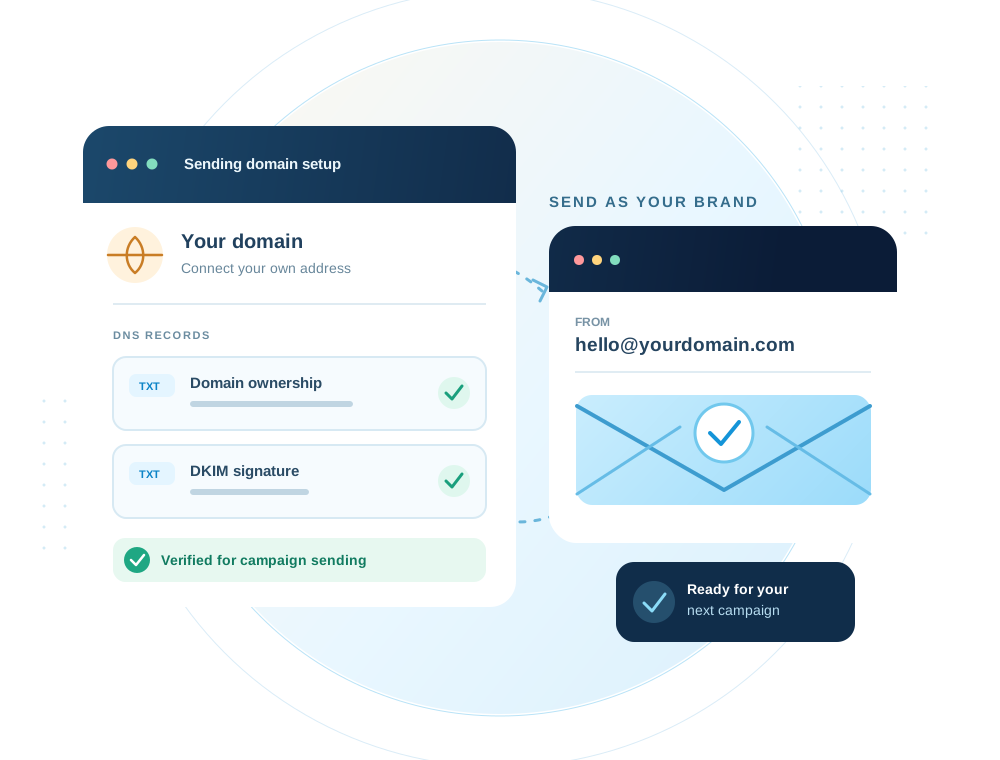
Inside the workspace
Keep domain ownership and authentication checks in view before choosing a sender for your campaign.
What you can do
A recognizable sender starts with domain ownership and authentication. smartest.email guides you through ownership and DKIM checks before a regular campaign can send.
01
See the DNS records needed for ownership and email authentication.
02
Campaign sending requires a domain that passes the necessary checks.
03
Choose when a prepared regular campaign should go out.
04
Campaign messages include an unsubscribe path for recipients.
The workflow
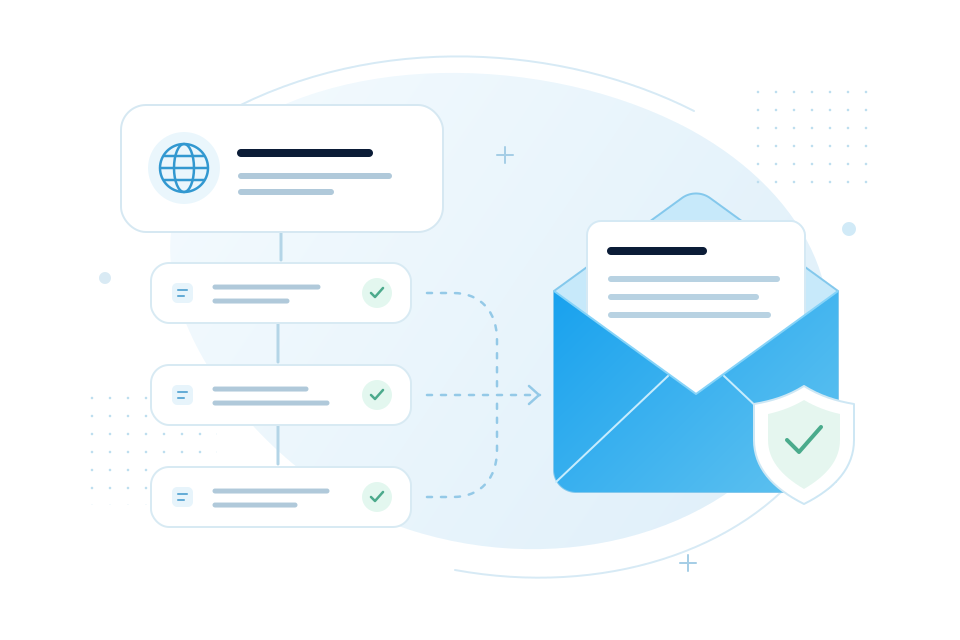
Enter the domain you want to send from.
Add the ownership and DKIM records shown in the workspace.
Check the records, then select the domain in your campaign.
Keep exploring
Your next campaign starts here